
Staring at screens for hours can leave your eyes feeling tired and uncomfortable, especially if you’re balancing work with social scrolling. For many Australians, stylish and affordable computer glasses promise relief from digital eye strain, but the science is more complex than it seems. This guide uncovers the truth behind blue light filtering and explores which features genuinely help, so you can make smarter choices about protecting your eyes in a digital world.
Table of Contents
- Computer Glasses Explained And Common Myths
- Types Of Computer Glasses For Device Users
- How Blue Light Lenses Work Daily
- Key Benefits For Digital Natives
- Comparing Computer Glasses And Alternatives
Key Takeaways
| Point | Details |
|---|---|
| Computer Glasses Are Specialized | Designed to reduce digital eye strain for users spending significant time in front of screens. |
| Limited Blue Light Benefits | Evidence suggests that blue light filtering may not considerably alleviate eye strain; adjustments in behaviour are recommended. |
| Types of Computer Glasses Vary | Different options like blue light blocking and anti-glare glasses cater to unique user needs and screen interactions. |
| Alternative Strategies Exist | Beyond eyewear, methods like screen filters and ergonomic adjustments can effectively combat visual discomfort without additional costs. |
Computer Glasses Explained And Common Myths
Computer glasses represent specialised eyewear designed to reduce digital eye strain for Australians who spend significant time in front of screens. These glasses feature unique lens technologies intended to minimise visual discomfort during prolonged digital device usage. While marketed as a solution for modern screen-based challenges, scientific understanding of their effectiveness remains nuanced.
The primary purpose of computer glasses involves addressing specific visual challenges created by digital screens. Traditional optical research suggests these glasses typically incorporate blue light filtering technologies and subtle magnification calibrated for screen viewing distances. Glasses designed for computer use can help mitigate potential visual fatigue by reducing screen-related optical stress.
However, recent scientific insights challenge some popular assumptions about computer glasses. The American Academy of Ophthalmology indicates insufficient evidence supporting comprehensive blue light filtering benefits. Eye strain results more from reduced blink rates and continuous focusing efforts rather than screen light exposure. Experts recommend behavioural modifications like regular screen breaks, proper posture, and appropriate viewing distances as more effective strategies for managing digital eye strain.
Pro tip: Position your computer screen approximately 50 to 65 centimetres from your eyes and slightly below eye level to reduce potential visual strain and improve overall comfort.
Types Of Computer Glasses For Device Users
Computer glasses have evolved to address the unique visual challenges faced by digital device users, offering specialised solutions for different screen interaction needs. Reading glasses for computer work demonstrate the nuanced approaches available to enhance visual comfort during prolonged digital engagement. These eyewear options are designed to provide targeted relief from digital eye strain through innovative lens technologies.
The primary categories of computer glasses include several distinct types tailored to specific user requirements:
- Blue Light Blocking Glasses: Designed to filter potentially harmful blue light emitted by digital screens
- Anti-Glare Glasses: Feature special coatings that minimise screen reflections and reduce visual stress
- Computer Reading Glasses: Optimised for intermediate screen distances, typically 50-65 centimetres
- Multifocal Options: Including bifocals and progressive lenses that accommodate multiple vision ranges
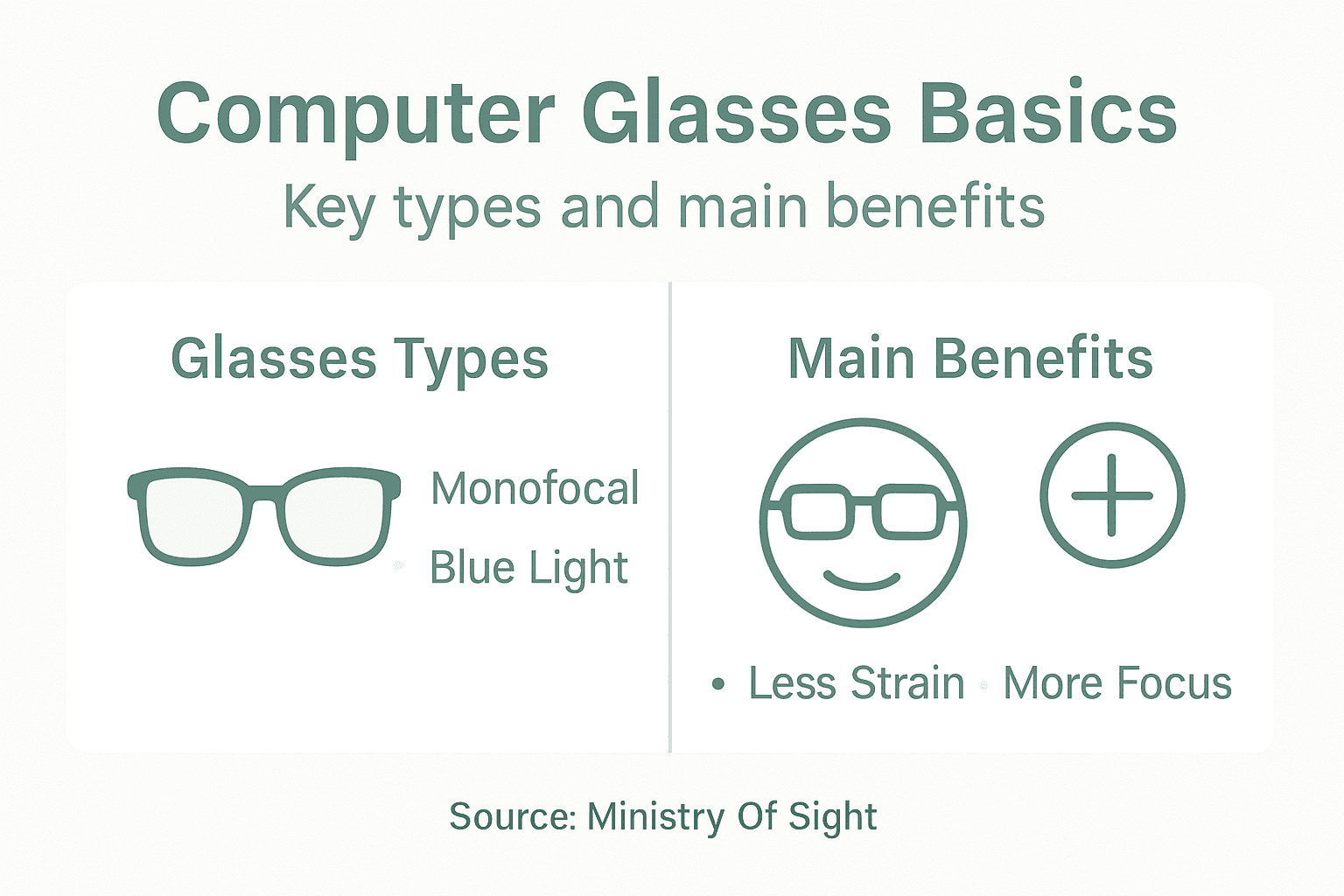
Each glass type incorporates unique features to enhance digital viewing experiences. Monofocal lenses focus specifically on screen distance, while bifocal and trifocal designs offer more comprehensive visual support. Progressive lenses provide smooth transitions between near, intermediate, and far vision ranges, making them particularly adaptable for users with complex visual needs.
To help clarify your options, here is a comparison of common types of computer glasses and their specialised lens features:
| Type of Computer Glasses | Main Lens Feature | Best For |
|---|---|---|
| Blue Light Blocking | Filters blue light wavelengths | Frequent screen users |
| Anti-Glare | Reduces screen reflections | Open offices or bright spaces |
| Computer Reading | Optimised magnification | Typists, data entry professionals |
| Multifocal (Progressive/Bifocal) | Supports multiple vision ranges | Multi-taskers switching focus |
Pro tip: Test different computer glass types during a 30-minute trial period to determine which design provides the most comfortable and clear visual experience for your specific screen usage.
How Blue Light Lenses Work Daily
Blue light lenses have become increasingly popular among digital device users seeking visual protection and comfort. These specialised glasses employ advanced optical technologies to filter high-energy blue light wavelengths emitted by digital screens, smartphones, and LED lighting. Glasses that help with computer eye strain demonstrate the growing awareness of digital visual health challenges in our screen-dominated world.
The core mechanism of blue light lenses involves selective wavelength filtering, targeting electromagnetic radiation between 380-500 nanometres. These lenses use two primary technologies to manage blue light exposure:
- Absorption Technique: Lens materials chemically engineered to absorb specific blue light wavelengths
- Reflection Method: Special lens coatings that reflect blue light wavelengths away from the eye
Despite their widespread popularity, scientific research remains cautious about definitive health claims. Current evidence from medical research suggests these lenses do not consistently reduce eye strain or provide significant visual performance improvements compared to standard optical lenses. The Cochrane medical review indicates that while users might experience subjective comfort, objective measurements do not demonstrate conclusive benefits.

Pro tip: Complement blue light lens usage with the 20-20-20 rule: every 20 minutes, look at something 20 feet away for 20 seconds to naturally reduce digital eye strain.
Key Benefits For Digital Natives
Digital natives spending hours glued to screens require specialised visual protection that goes beyond traditional eyewear. Reading glasses for computer use highlight the growing need for targeted optical solutions designed specifically for our technology-driven lifestyles. Computer glasses offer multiple strategic advantages for millennials and Gen Z professionals navigating extensive digital interactions.
The key benefits of computer glasses for digital natives include:
- Enhanced Visual Comfort: Reducing eye strain during prolonged screen time
- Productivity Boost: Minimising visual fatigue and maintaining focus
- Blue Light Protection: Filtering potentially harmful electromagnetic radiation
- Headache Prevention: Decreasing likelihood of screen-related tension headaches
- Long-Term Eye Health: Potentially mitigating cumulative digital screen damage
Modern computer glasses are engineered to address the unique visual challenges faced by digital natives. By optimising lens technologies for intermediate screen distances and incorporating advanced filtering mechanisms, these glasses provide more than simple visual correction. They represent a proactive approach to managing digital eye health, recognising that today’s professionals spend unprecedented amounts of time interfacing with digital devices.
Pro tip: Invest in computer glasses with adjustable blue light filtering and anti-glare coatings to maximise visual comfort across different digital environments and screen types.
Comparing Computer Glasses And Alternatives
Navigating digital eye health requires understanding multiple protective strategies beyond specialised eyewear. Glasses for reading and computer work represent just one approach in a comprehensive digital wellness toolkit. Modern users have several alternatives to traditional computer glasses that can effectively manage visual strain and screen-related discomfort.
The primary alternatives to computer glasses include:
- Screen Filters: Physical or digital barriers reducing blue light emission
- Software Solutions: Built-in screen colour temperature adjustment modes
- Ergonomic Adjustments: Strategic workspace and screen positioning
- Digital Wellness Settings: Device-native eye protection features
While computer glasses offer specialised optical technologies, scientific research suggests behavioural interventions might prove more effective. Practical strategies like maintaining appropriate screen brightness, implementing regular visual breaks, optimising screen distance, and adjusting workspace lighting can significantly reduce digital eye strain without requiring additional eyewear investment. The key lies in understanding that blue light exposure from digital screens remains minimal compared to natural sunlight, making comprehensive lifestyle modifications potentially more impactful than technological quick fixes.
The following table summarises how popular eye protection strategies compare in effectiveness, convenience, and cost:
| Method | Effectiveness | User Convenience | Ongoing Cost |
|---|---|---|---|
| Computer Glasses | Moderate for some users | Medium (must wear) | High (initial purchase) |
| Screen Filters | Moderate against glare/blue light | High (install once) | Moderate (one-off) |
| Software Adjustments | Effective for colour comfort | Very high (simple toggle) | Low (often free) |
| Ergonomic Changes | Highly effective (proven benefits) | Medium (requires setup) | None |
Pro tip: Combine multiple eye protection strategies, rotating between screen filters, ergonomic adjustments, and periodic screen breaks to create a holistic approach to digital visual health.
Protect Your Eyes In The Digital Age With Ministry Of Sight
Spending long hours in front of digital screens can cause uncomfortable eye strain and fatigue. Computer glasses help reduce this strain with specialised lenses designed for screen distance, blue light filtering, and anti-glare protection. If you want to keep your eyes fresh and your focus sharp, explore our range of stylish options like Super Cool Black Reading Glasses and sophisticated Grey Reading Glasses.

Don’t wait until eye discomfort slows you down. Visit Ministry Of Sight today to find the perfect computer glasses tailored for your daily digital demands. Take advantage of our offers in the Summer Sale – MINISTRY OF SIGHT to combine style with superior eye comfort now.
Frequently Asked Questions
What are computer glasses?
Computer glasses are specialized eyewear designed to reduce digital eye strain and enhance visual comfort for individuals who spend extended periods in front of screens. They often feature lens technologies that filter blue light and optimize magnification for screen viewing distances.
How do blue light lenses work?
Blue light lenses filter high-energy blue light emitted by digital screens through two main techniques: absorption, where the lens material absorbs specific wavelengths, and reflection, where coatings on the lens reflect blue light away from the eye.
What are the benefits of wearing computer glasses?
The key benefits of wearing computer glasses include enhanced visual comfort, reduced eye strain, improved productivity, relief from headaches caused by screen fatigue, and potential long-term eye health protection.
How do computer glasses compare to other eye protection methods?
While computer glasses provide targeted eye protection, other methods include screen filters, software adjustments, and ergonomic changes. Behavioural modifications, such as taking regular breaks and adjusting screen position, might be more effective for managing digital eye strain than relying solely on eyewear.
Recommended
- What Glasses Help with Computer Eye Strain – ministry of sight
- Complete Guide to Reading Glasses for Computer Use – ministry of sight
- What Glasses Are Good for Computer Use: Blue Light, Comfort, and Style – ministry of sight
- Understanding Reading Glasses for Computer Use Guide – ministry of sight
- Understanding Screen Time and Eye Health – buy2fix