

More than 60 percent of Australian professionals experience digital eye strain after long hours on screens. The challenge is not just finding the right reading glasses, but choosing stylish eyewear that fits modern computer work and matches personal taste without breaking the budget. This guide helps Australian professionals sort through the differences between computer and reading glasses, explore lens technology, and pick frames that combine comfort, style, and affordable promotional deals.
Table of Contents
- What Makes Glasses for Reading and Computer Work Different
- Popular Lens Types and Features Explained
- Choosing Frames for Style and Comfort
- How Glasses Reduce Digital Eye Strain
- Common Mistakes When Selecting Glasses
Key Takeaways
| Point | Details |
|---|---|
| Specialised Computer Glasses | Designed specifically for the intermediate digital screen distance of 50-75 cm, reducing eye strain compared to standard reading glasses. |
| Unique Lens Features | Look for blue light filtering, anti-reflective coatings, and customised lens power to enhance comfort during prolonged screen use. |
| Frame Selection Matters | Choose frames that balance style and comfort, considering your face shape and materials for durability during extended use. |
| Avoid Common Mistakes | Ensure a comprehensive eye examination tailored for digital use to accurately address your specific visual requirements. |
What Makes Glasses for Reading and Computer Work Different
Computer glasses are not just standard reading glasses with a fancy label. These specialised eyewear solutions tackle a unique visual challenge that traditional spectacles often miss: the intermediate digital screen distance. Unlike standard reading glasses designed for close-up text or distance vision, computer glasses are engineered to address the precise viewing range most professionals experience while working on digital devices.
The key difference lies in their focal length configuration. Computer readers optimise your vision for that specific 50-75 centimetre range between your eyes and a typical computer monitor. Standard reading glasses, which are typically calibrated for reading distances of about 30-40 centimetres, can cause significant eye strain and blurriness when used for digital work.
These specialised glasses incorporate several unique design elements to enhance digital viewing comfort:
- Customised lens power for intermediate distances
- Blue light filtering technology
- Anti-reflective coatings to reduce screen glare
- Wider visual fields to accommodate multiple screen layouts
Pro Tip: Screen Distance Check: Before purchasing computer glasses, measure the exact distance between your eyes and your typical work monitor to ensure the most precise lens prescription for your specific workspace setup.
The science behind computer glasses is rooted in addressing digital eye strain, a modern workplace challenge affecting professionals who spend hours in front of screens. By creating lenses that match the precise viewing requirements of digital environments, these glasses provide a targeted solution that traditional eyewear simply cannot match.
Popular Lens Types and Features Explained
Navigating the world of eyewear lens types can feel overwhelming, but understanding the key options can help you make a smart choice for your digital work and reading needs. Lens materials and designs have evolved significantly, offering professionals targeted solutions for visual comfort and performance. From traditional glass to advanced high-index plastics, each material brings unique characteristics that can dramatically improve your viewing experience.
The most popular lens types for computer and reading work include:
- Single Vision Lenses: Designed for a specific distance, perfect for dedicated computer work
- Bifocal Lenses: Featuring two distinct prescription areas for near and far vision
- Progressive Lenses: Seamless lens designs that transition across multiple viewing distances without visible lines
- Computer-Specific Lenses: Optimised for intermediate screen distances with specialised coatings
Modern lens technologies go beyond basic vision correction. High-performance options now include blue light filtering, which reduces eye strain from digital screens, and anti-reflective coatings that minimise glare and improve visual clarity. Polycarbonate and Trivex materials offer additional benefits like lightweight construction and superior impact resistance, making them ideal for professionals who need durable eyewear.
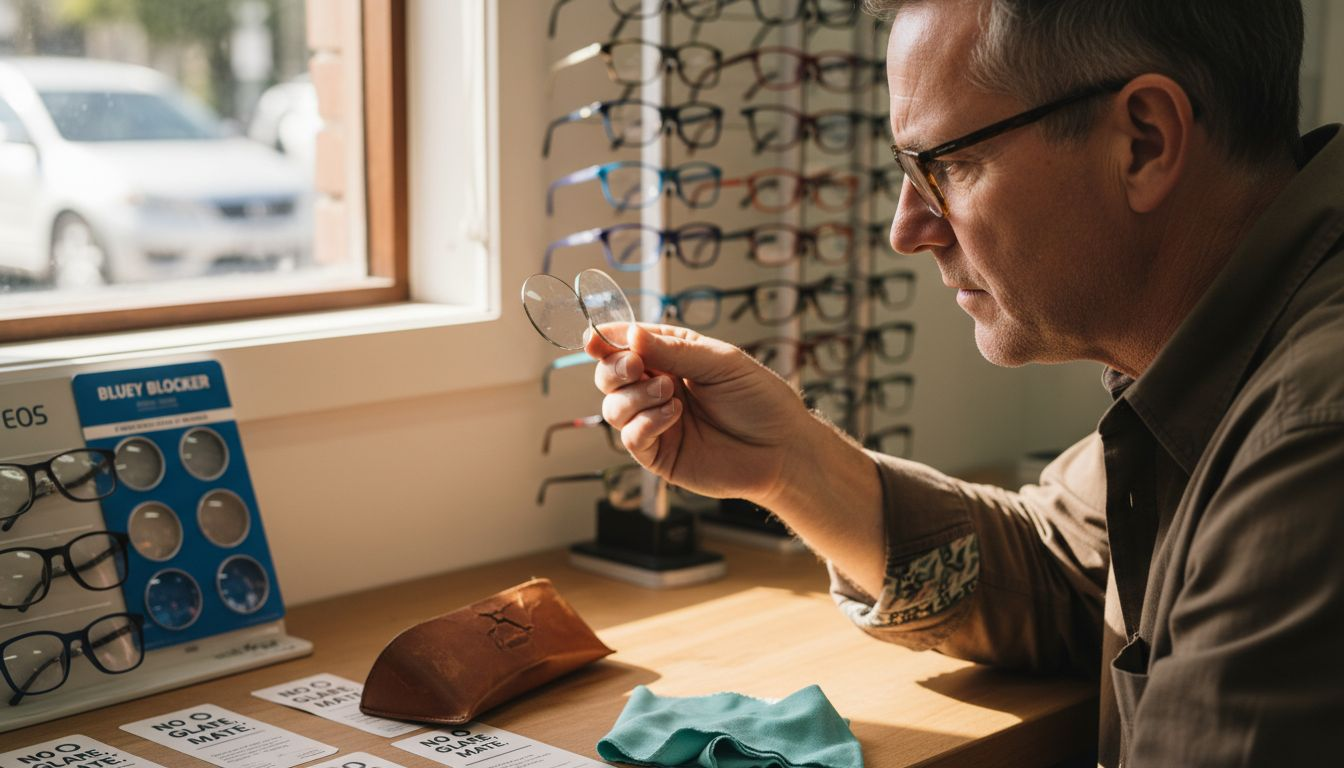
Pro Tip: Prescription Precision: Always get a comprehensive eye examination that specifically measures your screen viewing distance to ensure the most accurate lens prescription for your digital work environment.
Choosing the right lens involves considering your specific visual needs, work environment, and personal comfort. By understanding these lens types and their unique features, you can select eyewear that not only corrects your vision but enhances your overall digital work experience.
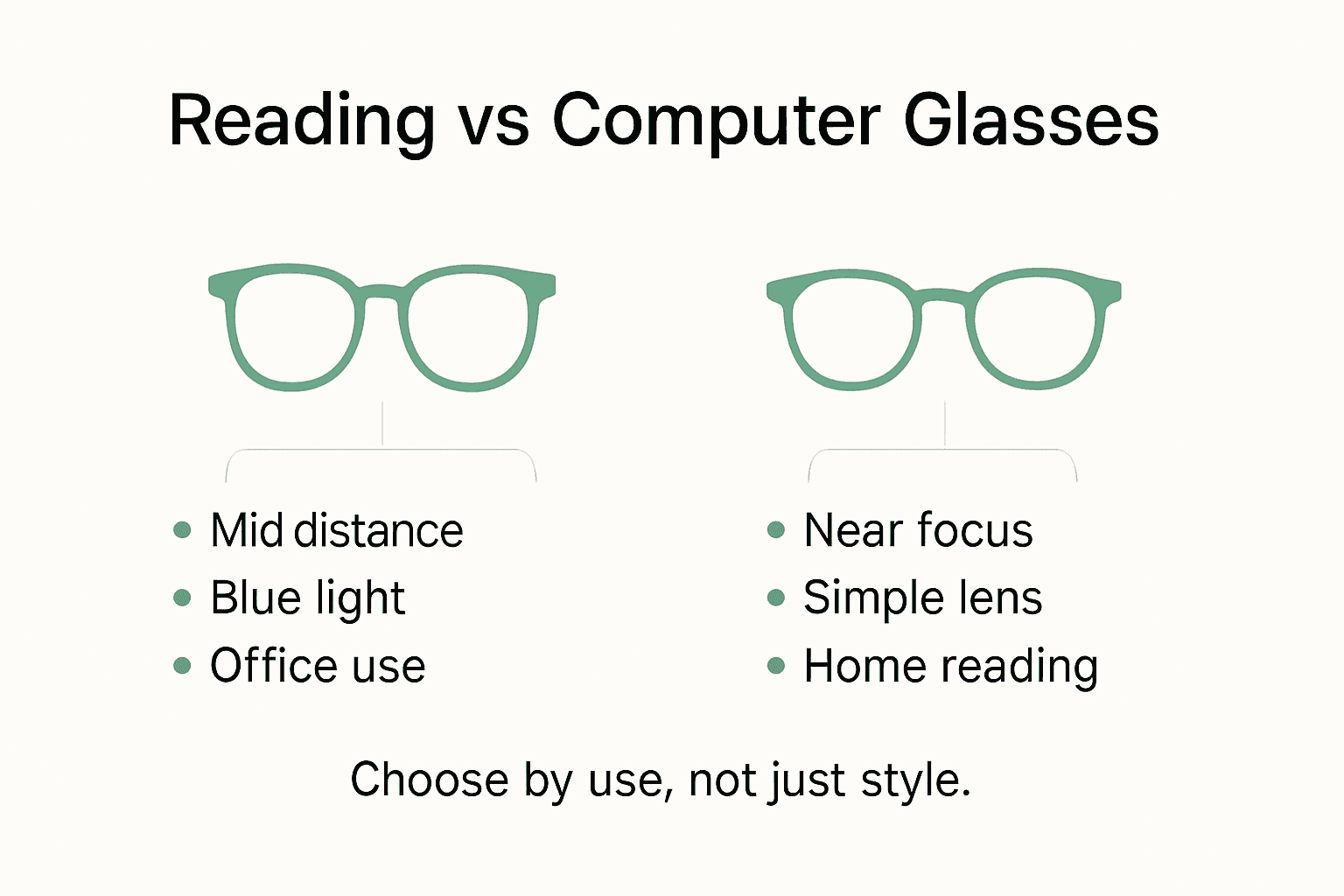
Here is a concise comparison of glasses types commonly chosen for digital work environments:
| Glasses Type | Optimal Use Case | Visual Range | Notable Benefit |
|---|---|---|---|
| Computer Glasses | Prolonged screen use | 50–75 cm (intermediate) | Reduces eye fatigue at monitor distance |
| Standard Reading Glasses | Book and document reading | 30–40 cm (near) | Sharp focus for close-up text |
| Progressive Lenses | All-day multitasking | Near, intermediate, distance | Seamless transition between tasks |
| Bifocals | Split-use (reading/driving) | Near and distance only | Clear separation for reading and distance tasks |
Choosing Frames for Style and Comfort
Selecting the right frames for reading and computer glasses is more than just a fashion statement—it’s about finding the perfect balance between visual functionality and personal style. Frame selection involves understanding how different shapes, materials, and designs can dramatically impact both comfort and aesthetic appeal. Professionals spending long hours in front of screens need eyewear that not only looks great but also supports their visual health and workplace ergonomics.
Frame styles vary widely, but certain principles help narrow down the best choices:
- Round Faces: Angular frames create visual contrast and definition
- Square Faces: Softer, rounded frames help balance strong facial features
- Oval Faces: Most frame styles complement this versatile face shape
- Heart-Shaped Faces: Frames with wider bottom edges provide excellent balance
Understanding reading glasses frame shapes goes beyond mere aesthetics. Materials play a crucial role in comfort and durability. Lightweight metals like titanium offer strength without weight, while flexible acetate frames provide resilience and can adapt to different face shapes. Professional-grade frames typically feature adjustable nose pads and flexible hinges, ensuring a customised fit that remains comfortable during extended computer work.
Pro Tip: Comfort Test: Always test frames by wearing them for at least 10 minutes in a position similar to your typical work setup, checking for pressure points, weight distribution, and overall comfort.
Ultimately, the best frames combine personal style, functional design, and ergonomic considerations. By prioritising both visual performance and individual aesthetic preferences, you can find eyewear that looks fantastic and supports your professional visual needs.
To help you select frames that support both comfort and style, here’s a breakdown of popular frame materials and their advantages:
| Frame Material | Comfort Level | Durability | Professional Look |
|---|---|---|---|
| Titanium | Very high (lightweight, hypoallergenic) | Exceptional | Sleek, modern finish |
| Acetate | High (flexible, custom fit) | Good | Wide range of colours, bold shapes |
| Stainless Steel | Moderate (smooth surface) | Strong, corrosion-resistant | Subtle, classic design |
| TR90 | Ultra-lightweight, flexible | Good impact resistance | Sporty and functional style |
How Glasses Reduce Digital Eye Strain
Digital eye strain is a modern workplace challenge that affects millions of professionals spending hours in front of screens. Unlike popular misconceptions, the primary culprit isn’t simply blue light, but a complex interaction of visual mechanics that occur during prolonged digital device use. Specialised computer glasses offer a strategic solution by addressing the unique visual demands of screen-based work environments.
The key mechanisms through which glasses reduce eye strain include:
- Precise Prescription Correction: Ensuring eyes don’t overwork to maintain screen focus
- Anti-Reflective Coatings: Minimising glare and light scatter from digital displays
- Intermediate Distance Optimisation: Matching lens power to typical screen viewing ranges
- Reduced Accommodation Stress: Helping eye muscles maintain comfortable focusing
Complete understanding of reading glasses for computer use reveals that proper eyewear does more than simple correction. Advanced computer glasses incorporate ergonomic design principles that support natural eye movement and reduce muscular fatigue. By providing a carefully calibrated lens that matches your specific screen distance, these glasses prevent the constant micro-adjustments that lead to visual exhaustion and discomfort.
Pro Tip: Screen Distance Calibration: Measure the exact distance between your eyes and your typical monitor, and share this precise measurement with your optometrist when selecting computer glasses.
Understanding digital eye strain is about recognising that vision is dynamic, not static. The right glasses act as a precision tool, supporting your visual system’s natural mechanics and helping you maintain comfort and productivity throughout long working hours.
Common Mistakes When Selecting Glasses
Choosing the right glasses for reading and computer work is more nuanced than most professionals realise. Prescription misconceptions can lead to significant visual discomfort and reduced workplace productivity. Many people unknowingly make critical errors that compromise their visual performance, often believing that one pair of glasses will suit all their viewing needs.
The most prevalent mistakes in glasses selection include:
- Universal Prescription Trap: Using the same glasses for all tasks
- Ignoring Intermediate Distance: Overlooking the specific screen viewing range
- Comfort Compromise: Selecting style over ergonomic fit
- Marketing Myth Acceptance: Believing unsubstantiated lens technology claims
Complete guide to buying reading glasses reveals that proper selection involves understanding your unique visual requirements. Professional-grade computer glasses differ significantly from standard reading glasses. They’re engineered to address the precise 50-75 centimetre range typical of digital workspaces, reducing eye strain and preventing the constant muscular readjustments that cause visual fatigue.
Pro Tip: Professional Prescription Check: Schedule a comprehensive eye examination specifically designed for digital workplace assessment, ensuring your glasses are precisely calibrated for your work environment.
Successful glasses selection is about understanding that vision is not one-size-fits-all. By recognising and avoiding these common mistakes, professionals can invest in eyewear that genuinely supports their visual health and workplace performance.
Find Your Perfect Glasses for Reading and Computer Work Today
Struggling with eye strain from long hours in front of screens or blurry vision at your desk? The right glasses can make all the difference by targeting the unique demands of computer work and reading. Embrace lenses designed for the intermediate screen distance with specialised coatings to reduce glare and blue light discomfort. Whether you prefer classic shapes or want to make a statement, frame choice is essential for both comfort and style.
Explore our curated collection of Rectangular Reading Glasses for a sleek, professional look that supports digital eye strain reduction. Or discover bold options in our Super Cool Black Reading Glasses range to combine fashion with function. Shop now on Ministry of Sight and enjoy free shipping Australia-wide, buy-one-get-one offers, and a satisfaction guarantee that makes upgrading your vision simple and worry-free. Don’t wait to give your eyes the care they deserve.
Frequently Asked Questions
What are the key differences between computer glasses and standard reading glasses?
Computer glasses are specifically designed for the intermediate distance of 50-75 cm, which is the typical range when working on digital screens. In contrast, standard reading glasses are calibrated for closer distances of about 30-40 cm, which can lead to eye strain if used at screen distance.
How can glasses reduce digital eye strain?
Glasses designed for digital work help alleviate digital eye strain by providing precise prescription correction, incorporating anti-reflective coatings to minimise glare, and optimising lens power for intermediate distances, all of which support comfortable and efficient visual performance.
What types of lenses are best for computer work?
The most suitable lenses for computer work include single vision lenses tailored for intermediate distances, bifocal lenses for near and far vision, progressive lenses for seamless transitions, and dedicated computer-specific lenses that reduce eye fatigue and enhance clarity when using digital devices.
What frame materials should I consider for comfort and durability in computer glasses?
When selecting frames for computer glasses, consider materials like lightweight titanium for comfort, flexible acetate for a custom fit, sturdy stainless steel for resilience, and TR90 for an ultra-lightweight, sporty feel. Each material offers unique benefits for long-term wear and professional use.
Recommended
- Complete Guide to Reading Glasses for Computer Use – ministry of sight
- Understanding Reading Glasses for Computer Use Guide – ministry of sight
- Computer Readers: Secrets for Comfortable Screen Time – ministry of sight
- 7 Smart Tips to Choose Reading Glasses for Work Success – ministry of sight
- How to Select Stained Glass Windows: A Practical Guide -


